Changes
Ctrl 2 lists everything that changed in the folder since a chosen point
(The change view works on fo... (DEC_CHANGES_ON_FOLDERS)):
Since |
Compares with |
|---|---|
uncommitted |
the last commit |
today, this week, this month |
the last commit before that date |
Changes are grouped by folder with counts. j and k (or ↓ ↑) step to
the next and previous change; each opens its diff.
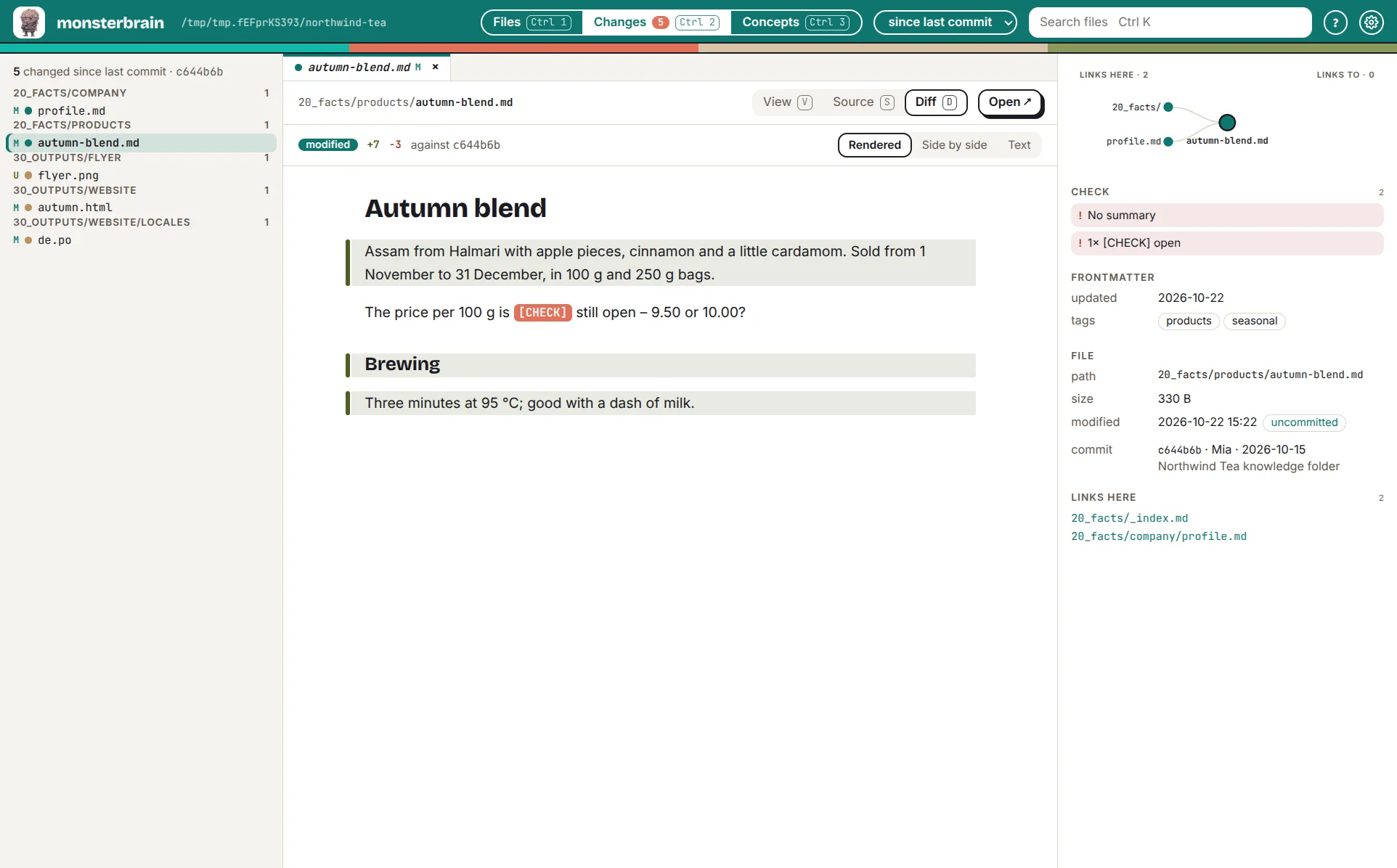
Changed files grouped by folder; a Markdown diff, rendered – Side by side and Text show it differently.
Diffs rendered for the file type
Type |
Diff |
|---|---|
Markdown |
rendered before and after, or text |
HTML |
before and after side by side |
|
the changed entries only |
Code, JSON, YAML |
text |
Images, PDF |
before and after side by side |
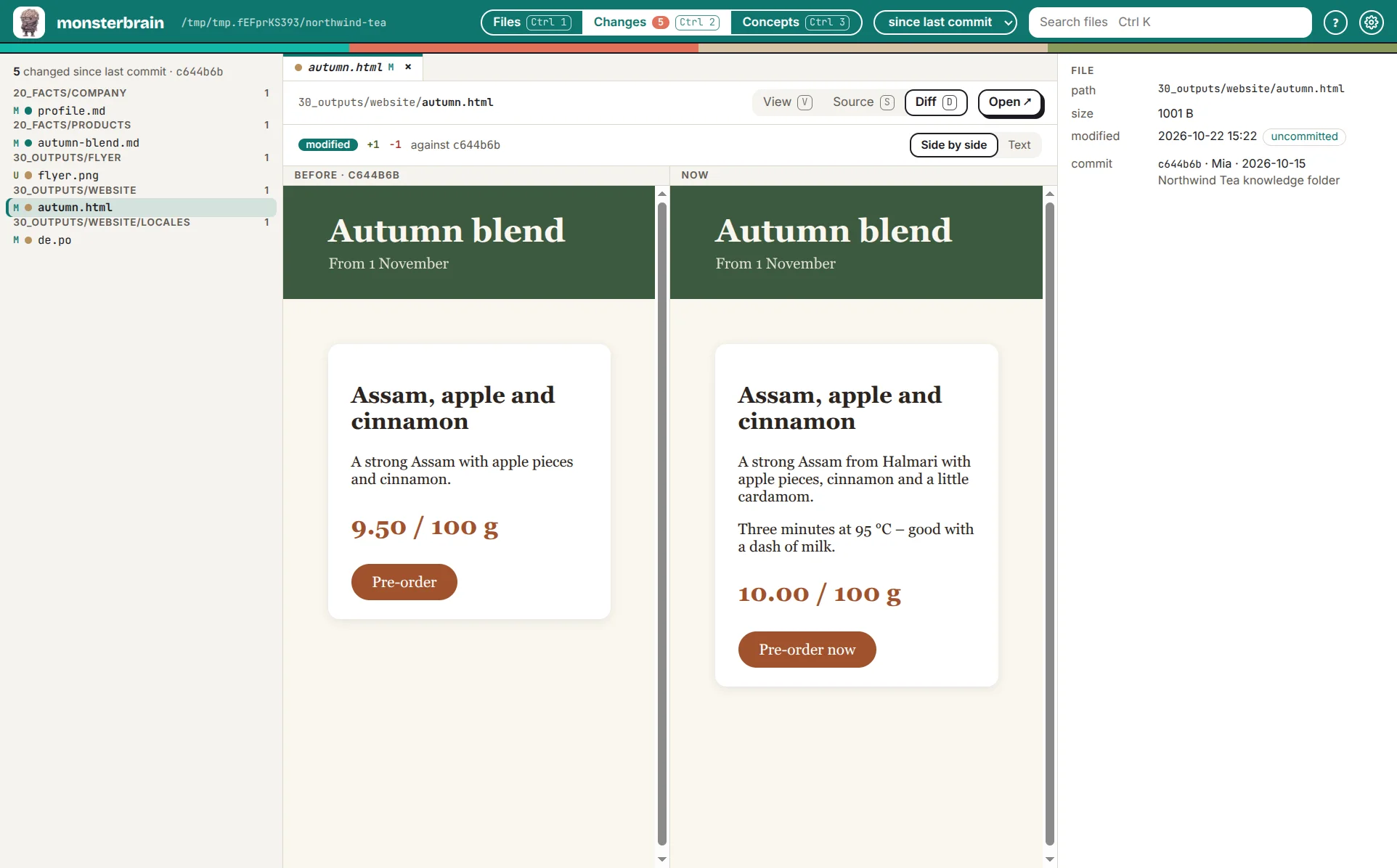
An HTML page before and after the agent changed the price and the text.
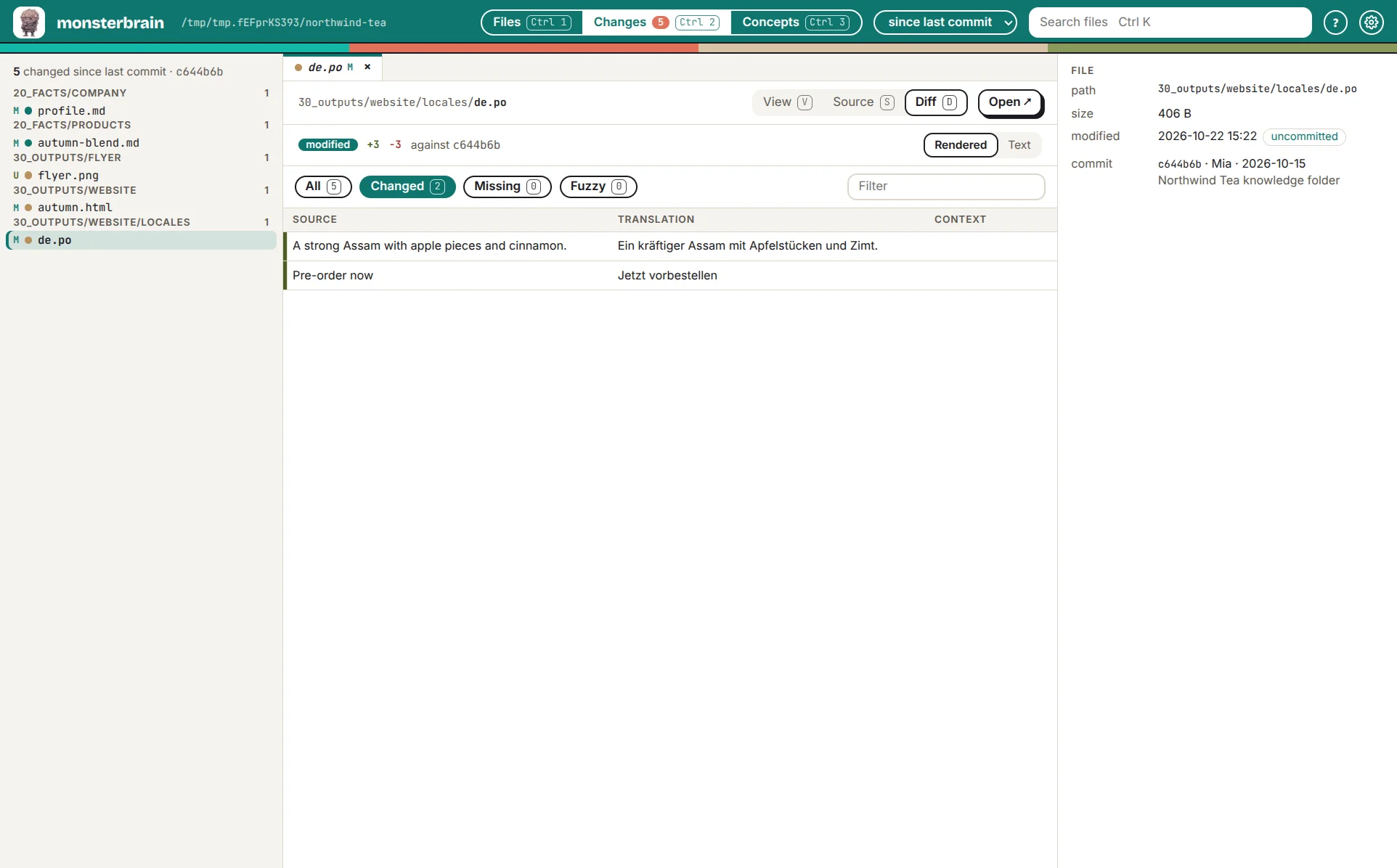
A translation: only the entries that changed.
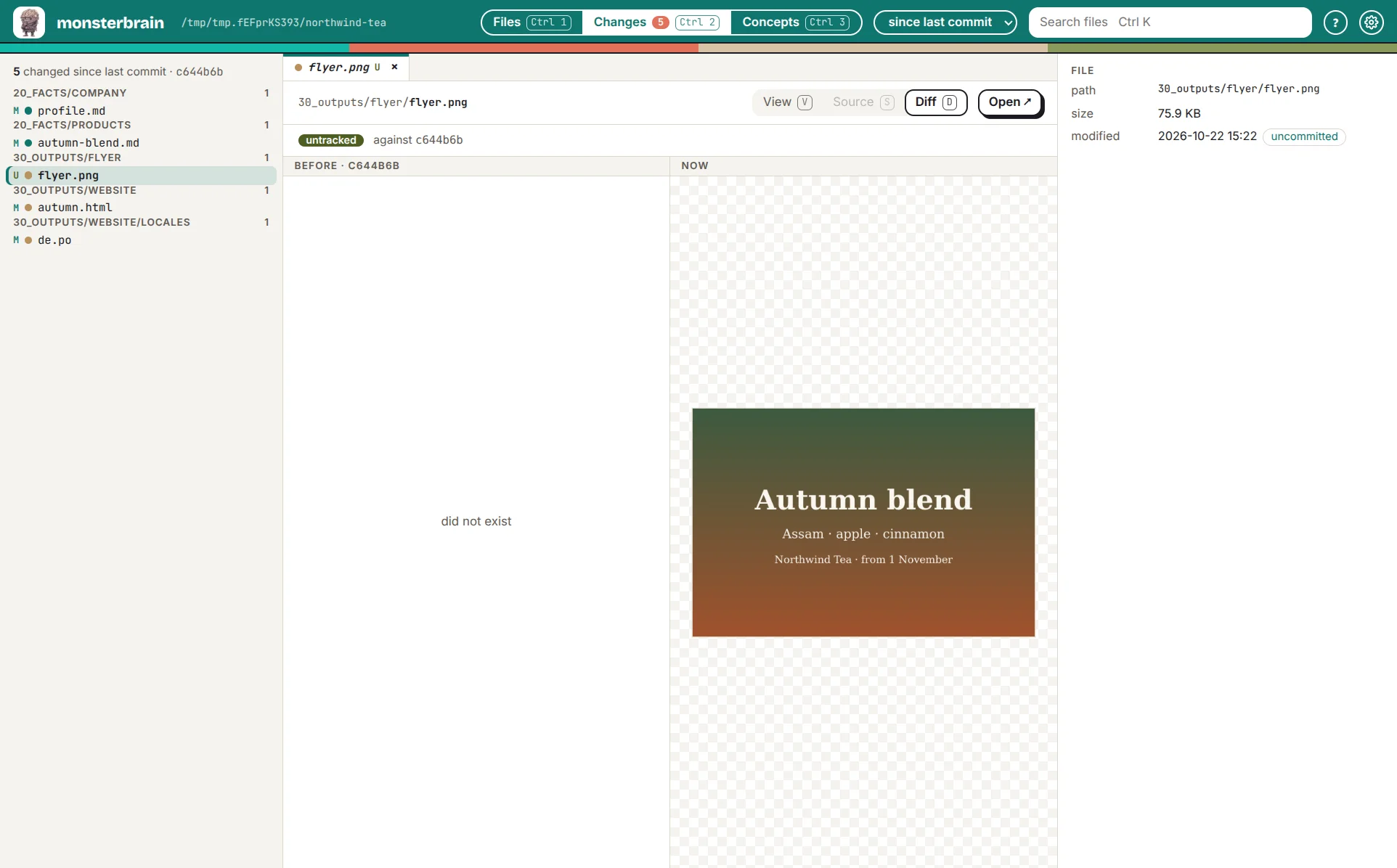
A new picture – there was nothing before.
Today the change view covers the open folder. Further folders (the code repositories next to a knowledge folder) are an open question: Which folders besides the o... (Q_CHANGE_FOLDERS).