Files
Ctrl 1 shows the folder: the tree on the left, the open files in the
middle, the active file’s metadata on the right (Layout: tree left, content ... (DEC_LAYOUT)).
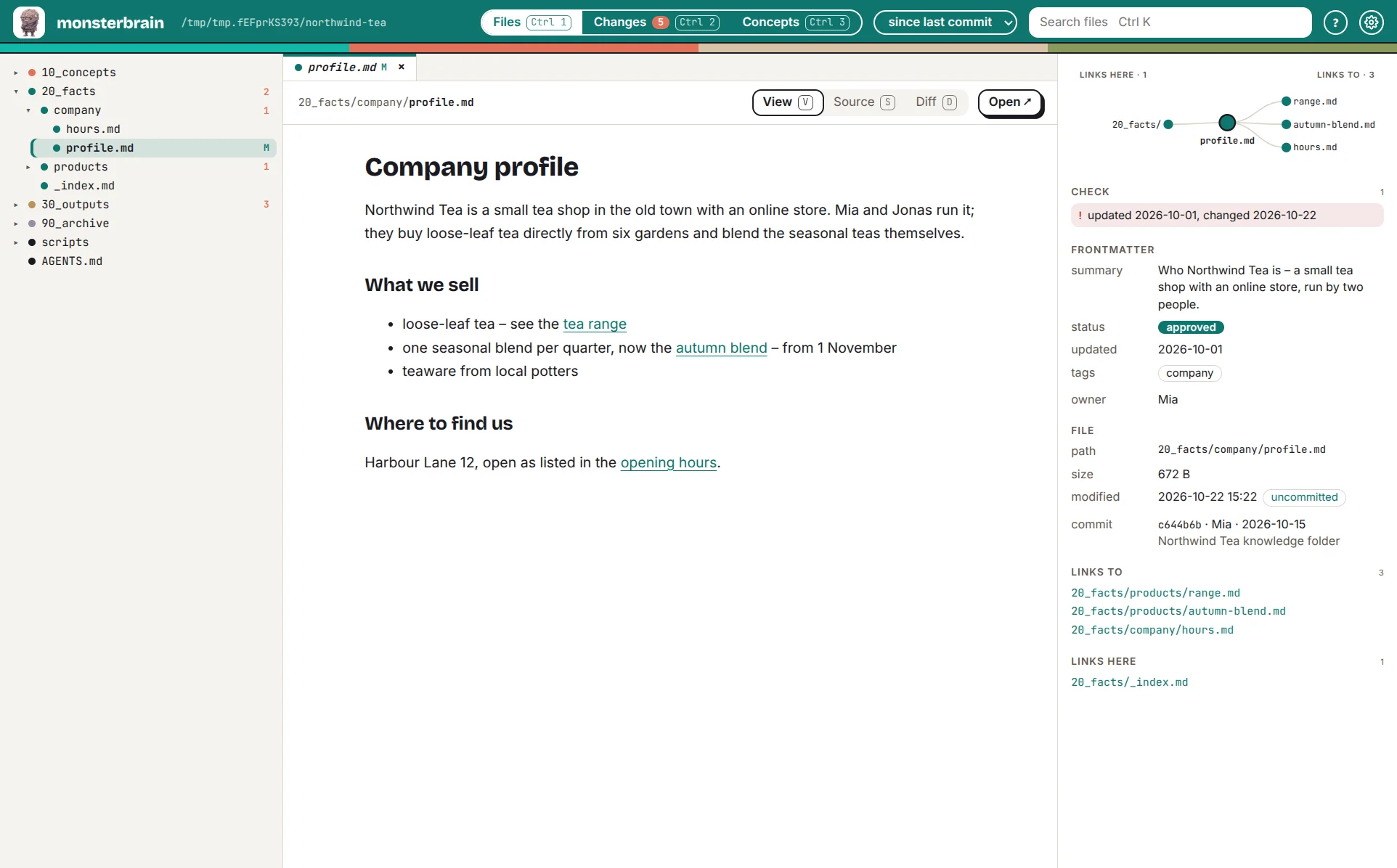
A Markdown file: the tree marks changed files, the right panel shows links, warnings and frontmatter.
The tree
The tree marks changed files and counts the changes per folder. Ctrl K
searches files by name.
Tabs
A click opens a file in the preview tab, which the next file replaces.
Enter keeps it; Ctrl click opens a file in its own tab.
Ctrl Tab switches tabs, Ctrl W closes one, Alt ← goes back.
Views per file type
Every file has up to three views: view (V), source (S) and
diff (D, when the file changed).
Type |
View |
|---|---|
Markdown |
rendered; links open inside the app |
HTML |
live in a sandboxed frame |
|
table: source, translation, status |
Code, JSON, YAML |
syntax highlighting |
Images, PDF |
preview |
monsterbrain only shows. To change a file, open it in your editor (Open ↗).
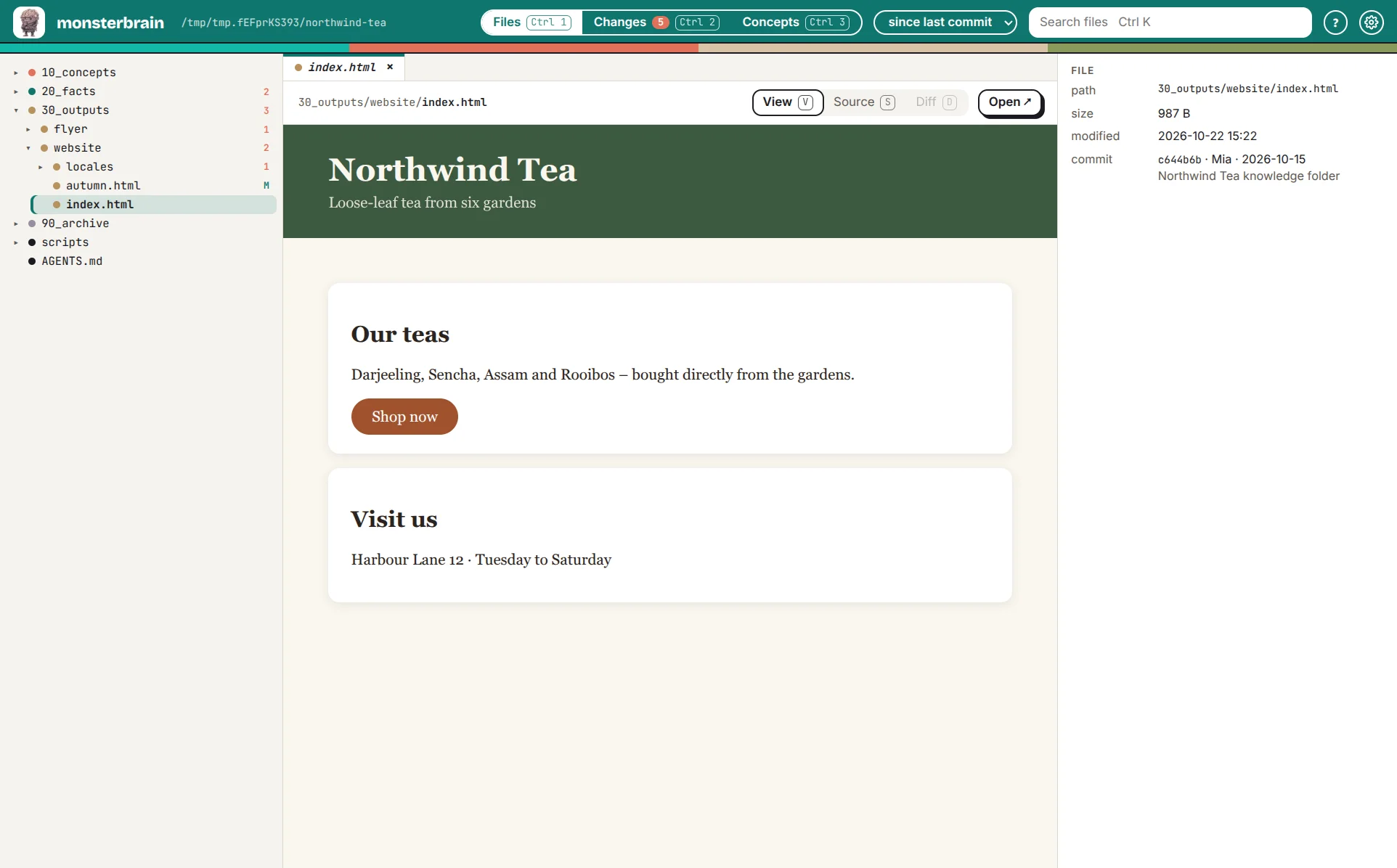
HTML is shown live, as in a browser.
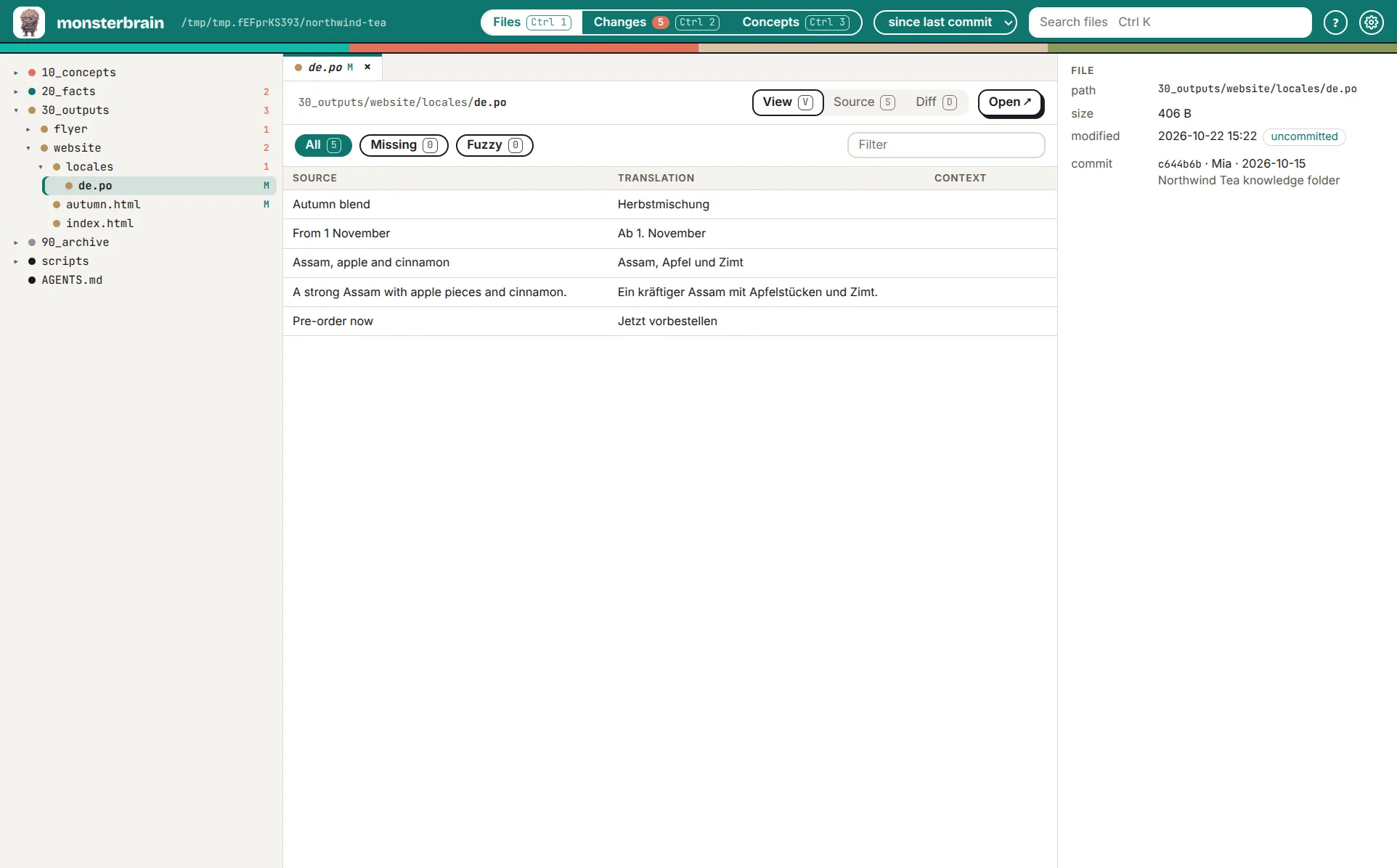
A translation as a table – filter for changed, missing or fuzzy entries.
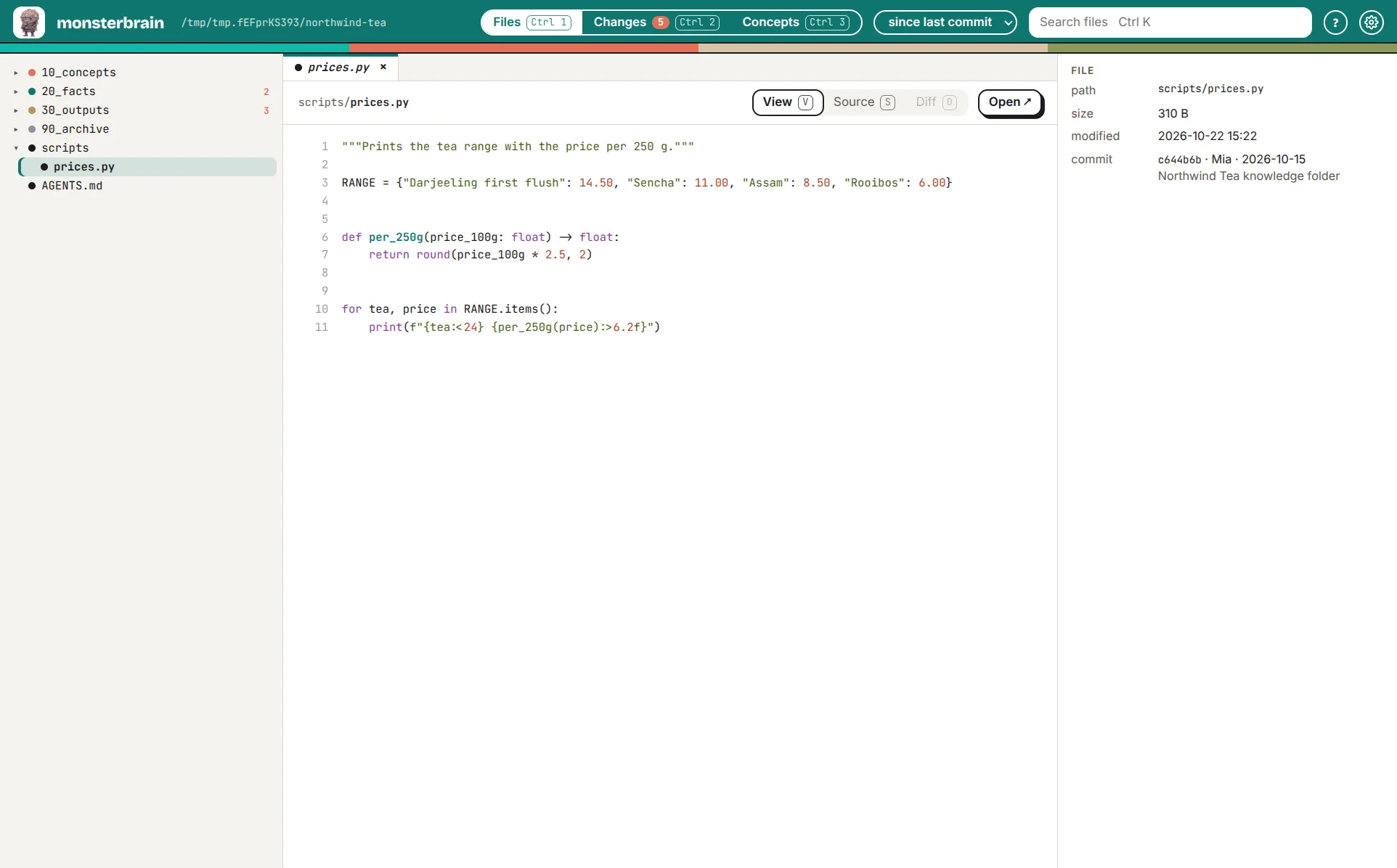
Code with syntax highlighting.
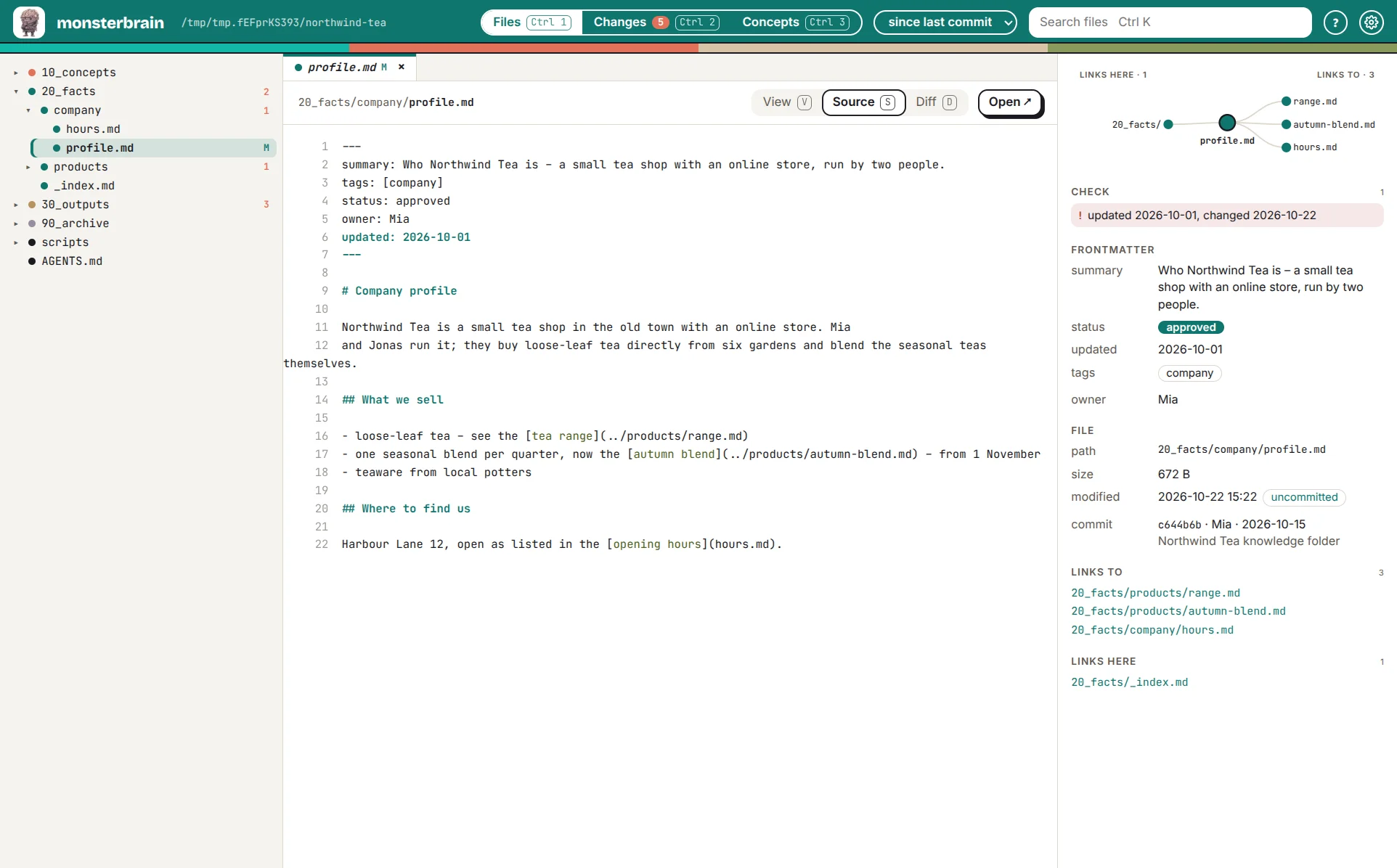
Source (S) shows the file as it is, frontmatter included.
The right panel
It follows the active tab:
Frontmatter evaluated – summary, status, updated, tags, owner.
Link graph – links from the file on one side, backlinks on the other; broken links in red.
Check – what needs attention: no frontmatter, no summary, broken links, an
updatedolder than the last change, open[CHECK]markers.Extensions add their own sections, e.g. the review of the file with deciwa.
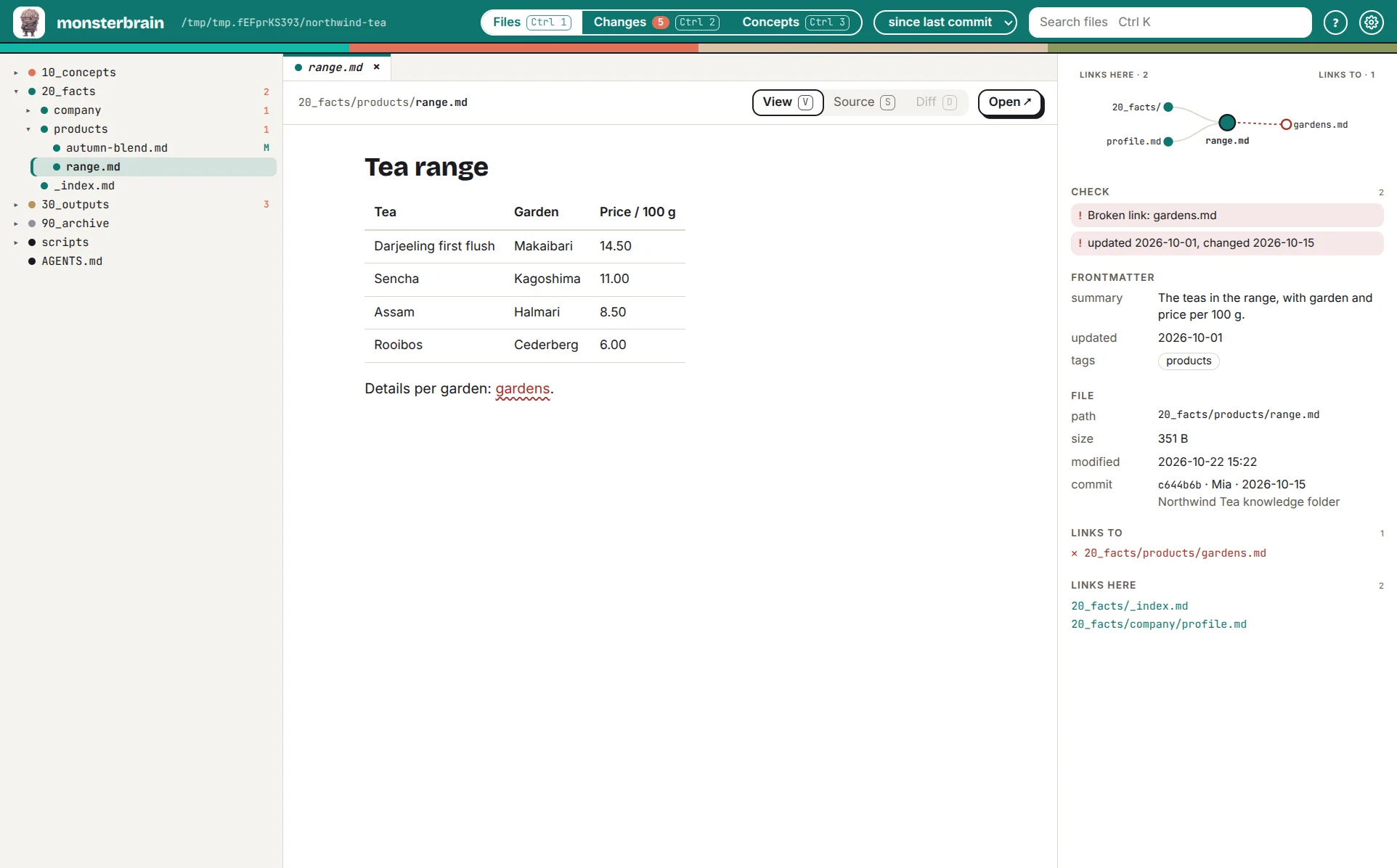
A broken link shows red in the link graph and as a warning under Check.