Keys
monsterbrain is built for the keyboard. F1 or ? shows the keys in the app,
including those of the installed extensions.
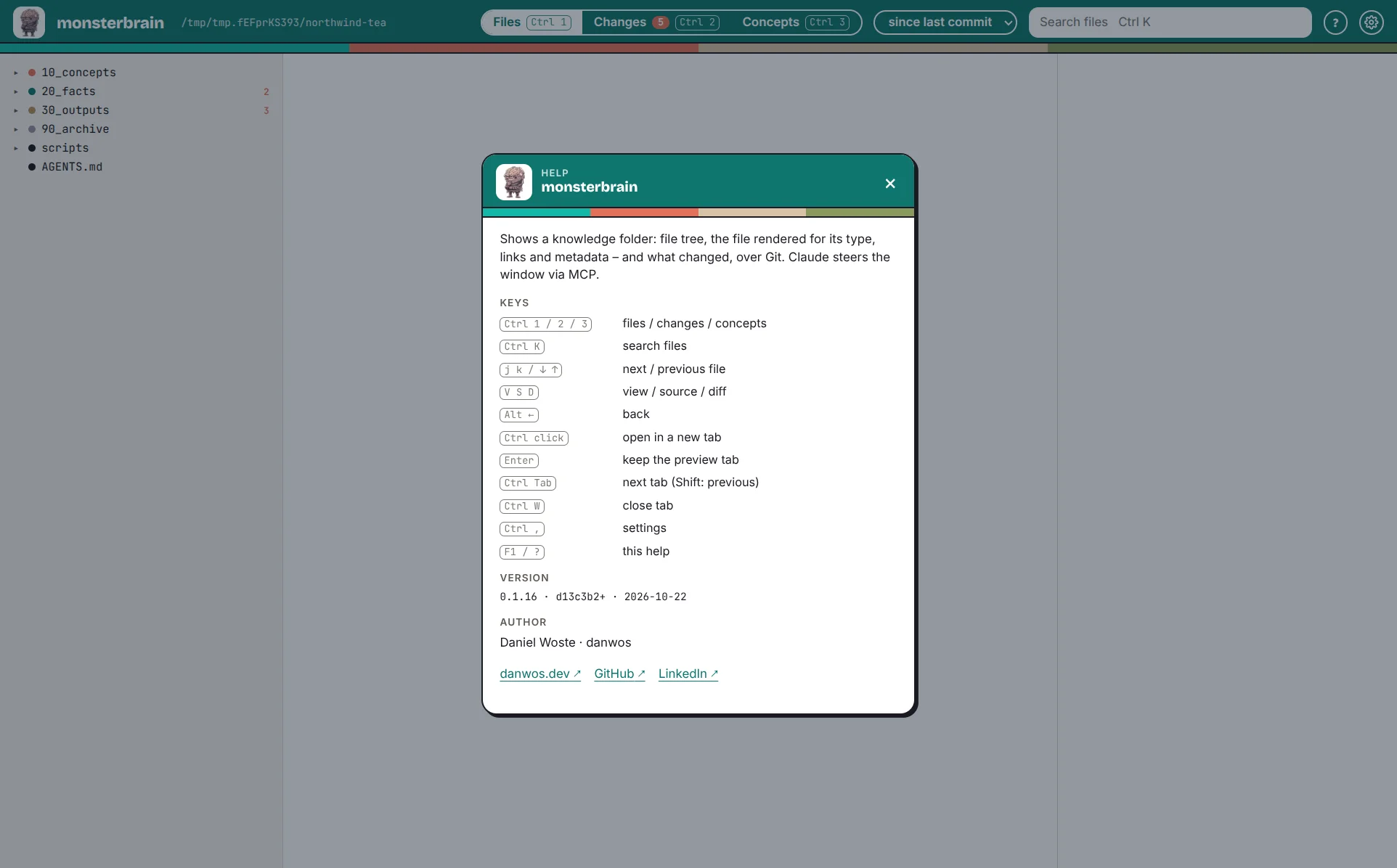
The help dialog (F1).
Key |
Action |
|---|---|
|
files / changes / concepts |
|
search files |
|
next / previous file (in changes: next change) |
|
view / source / diff |
|
back |
|
open in a new tab |
|
keep the preview tab |
|
next tab (with |
|
close tab |
|
settings |
|
hand the file to Claude |
|
help |