Tour
A first look at monsterbrain. All pictures show an example folder – the
knowledge folder of a small tea shop, Northwind Tea – right after an AI agent
prepared the launch of an autumn blend. The folder is in this repository
(docs/_example/); scripts/docs-screens.sh takes the pictures again after
every change to the app.
1. Open the folder
monsterbrain opens the last folder. The tree on the left marks changed files and counts them per folder.
The start page: five files changed since the last commit.
2. Read a file
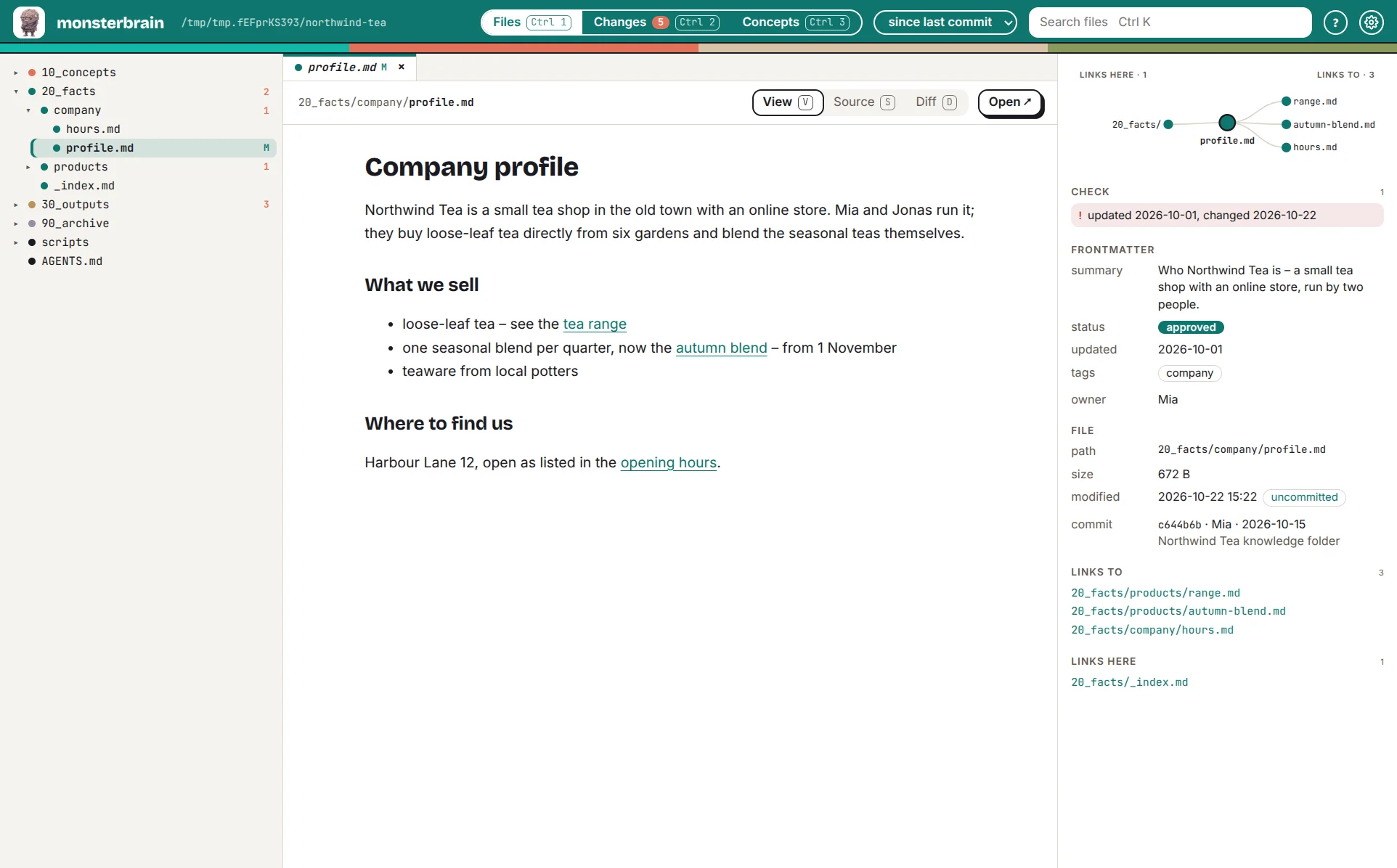
A Markdown file is shown rendered. The right panel shows its frontmatter, a
link graph with links and backlinks, and what to check – here an updated
date older than the last change.
3. Any file type
HTML runs live, translations show as a table, code is highlighted.
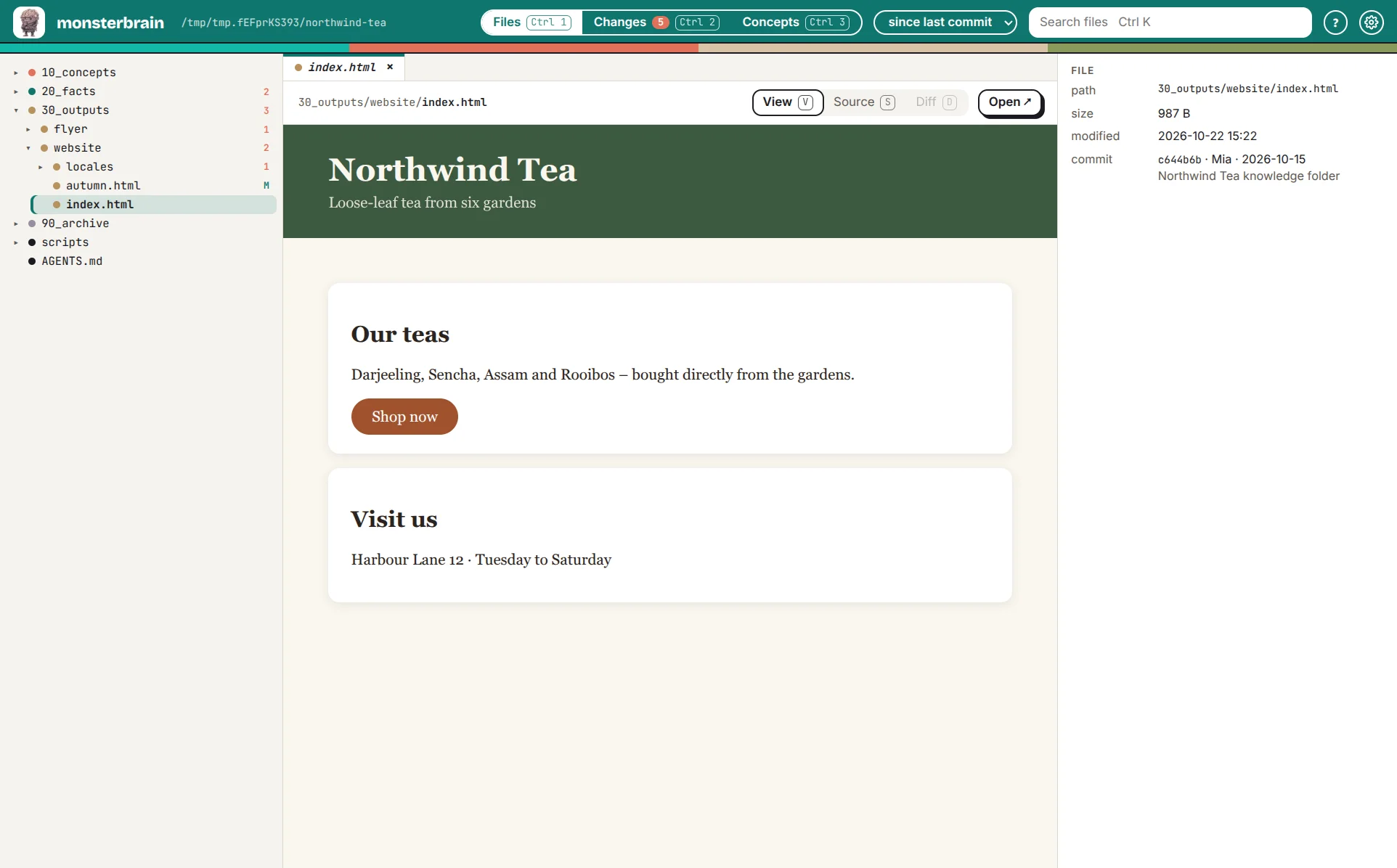
The shop’s website, as in a browser.
4. See what the agent changed
Ctrl 2 lists every changed file. j and k step through them; each diff is
rendered for its file type.
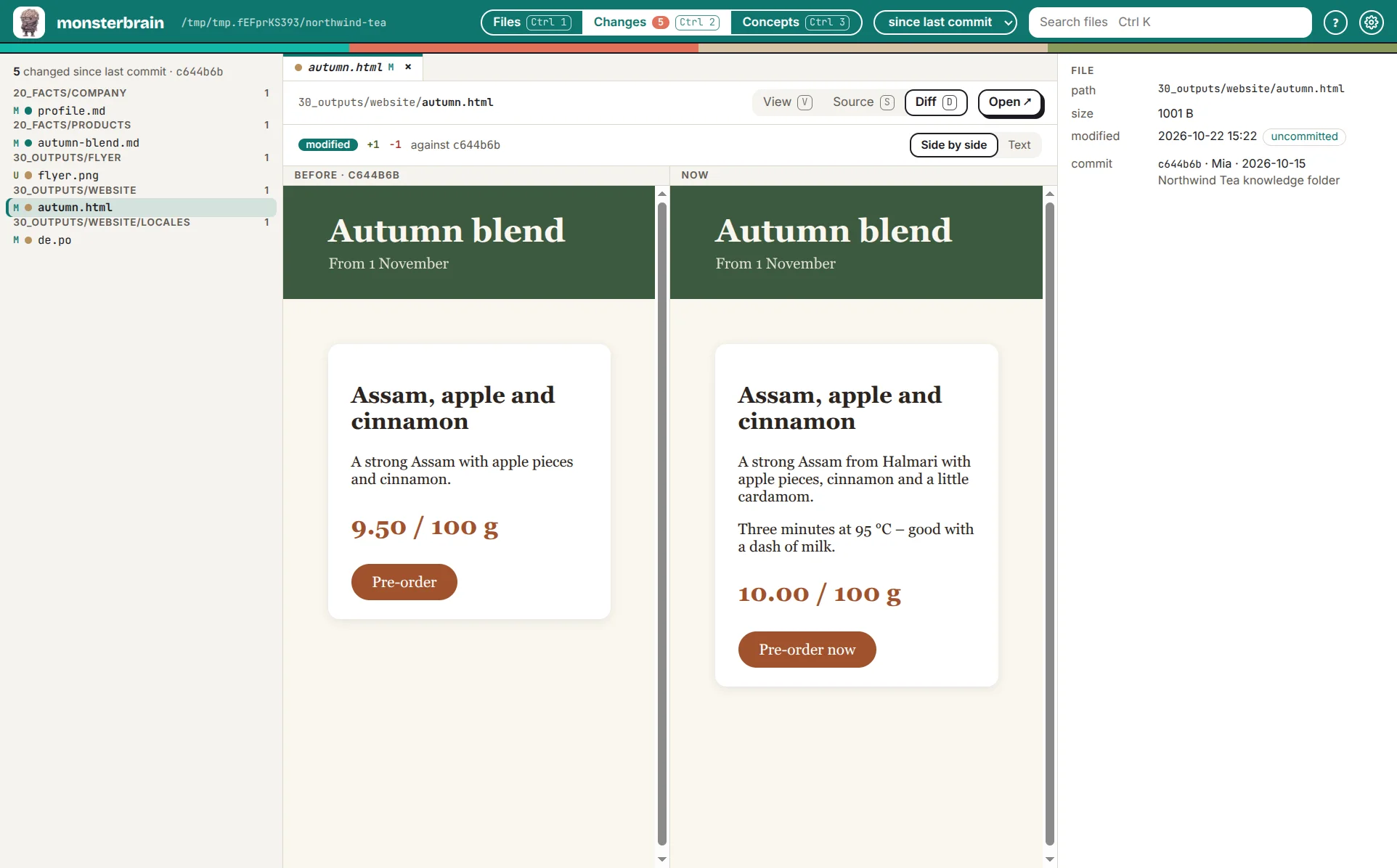
The agent changed price and text of the autumn page. More in Changes.
5. Follow the concepts
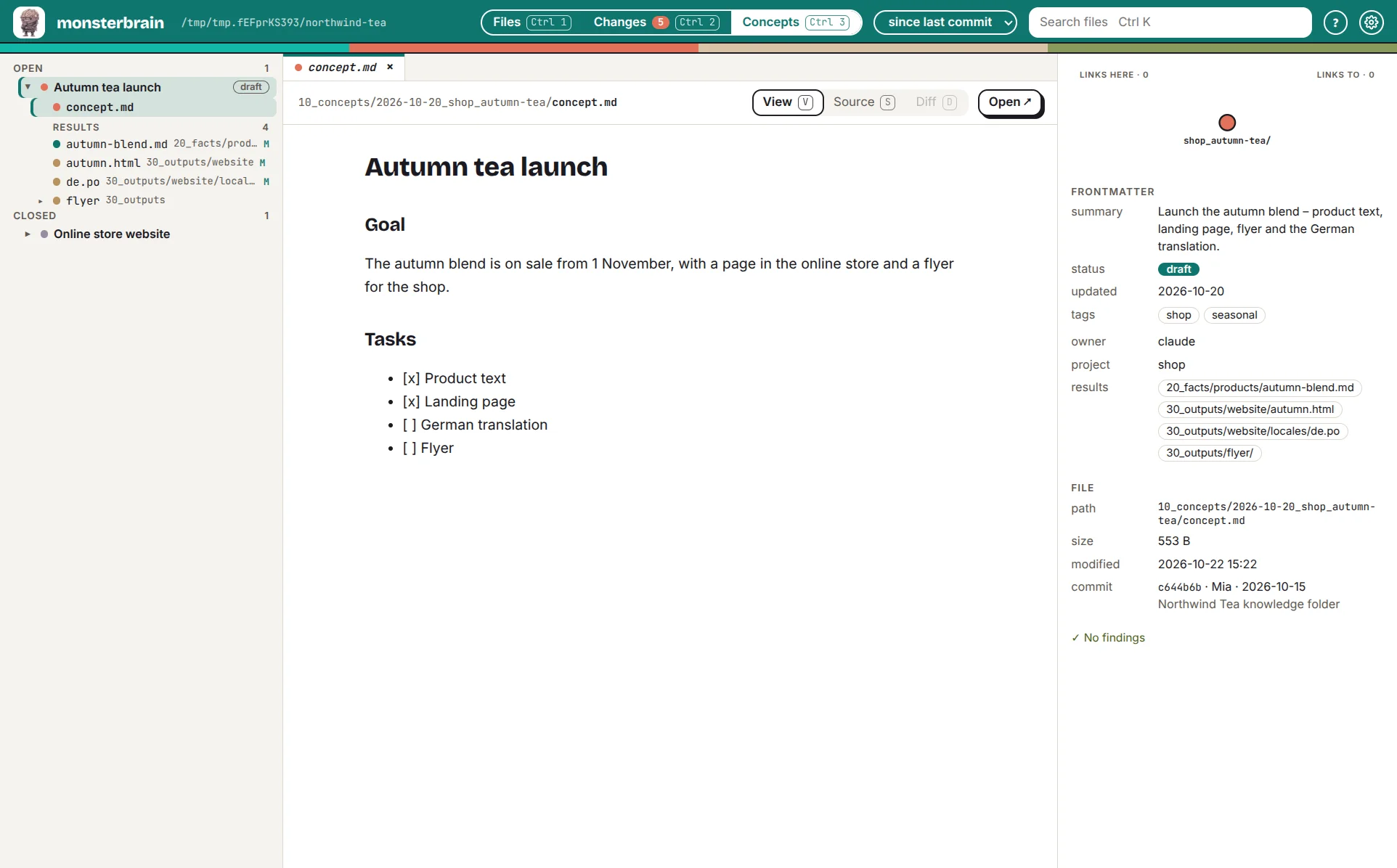
Ctrl 3 lists the concepts and what each one produced.
6. Claude points at what it means
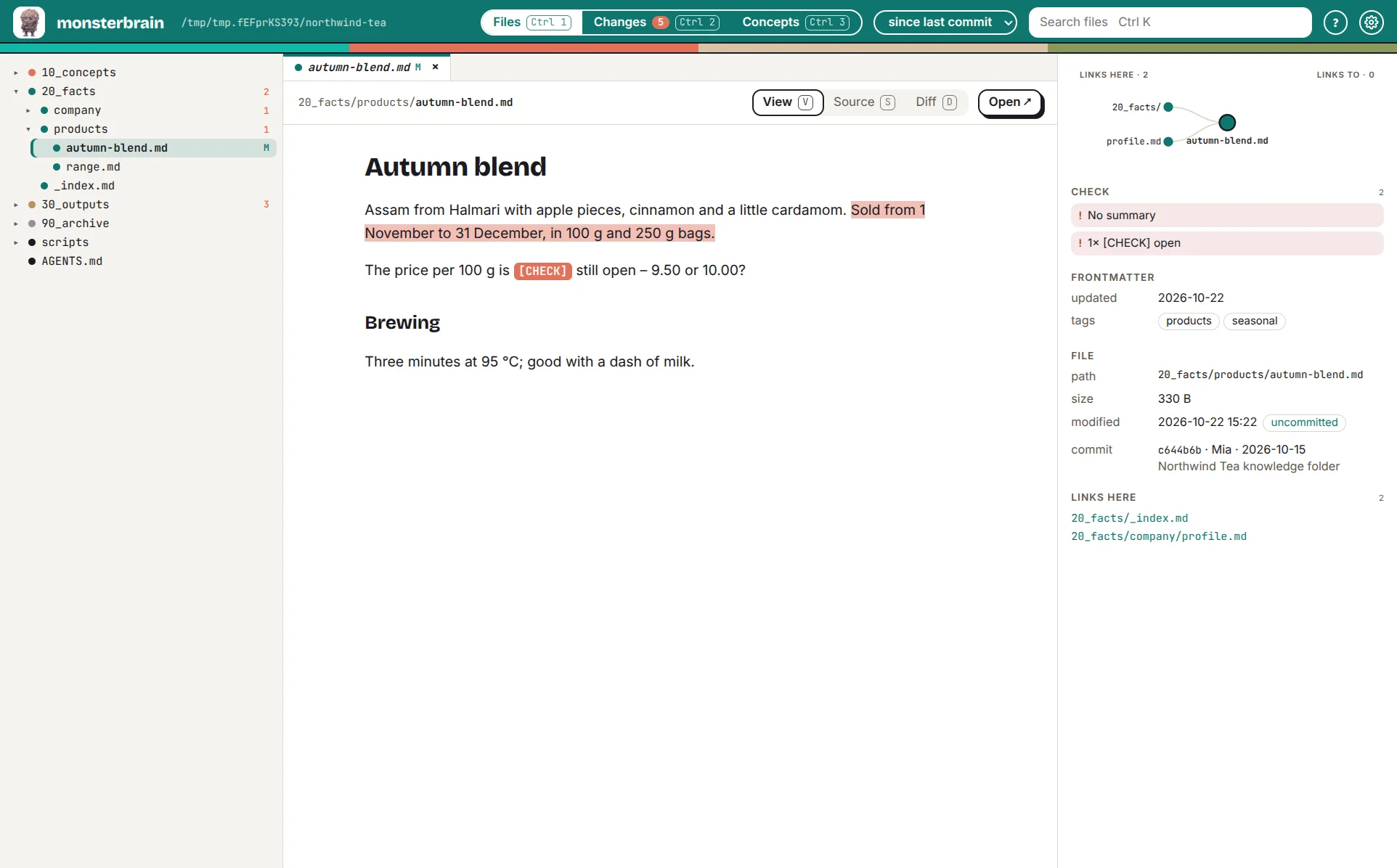
Claude opens a file and highlights the passage it talks about.
More in Working with Claude.